CaptureFlow
A privacy-first macOS menu bar app that automatically renames every screenshot with a clear, descriptive name based on what's actually in it. Everything happens on your Mac, so nothing ever leaves the device.
CaptureFlow
A macOS menu bar app that gives every screenshot a meaningful, searchable name, automatically. From idea to the Mac App Store in a few weeks.
The Challenge
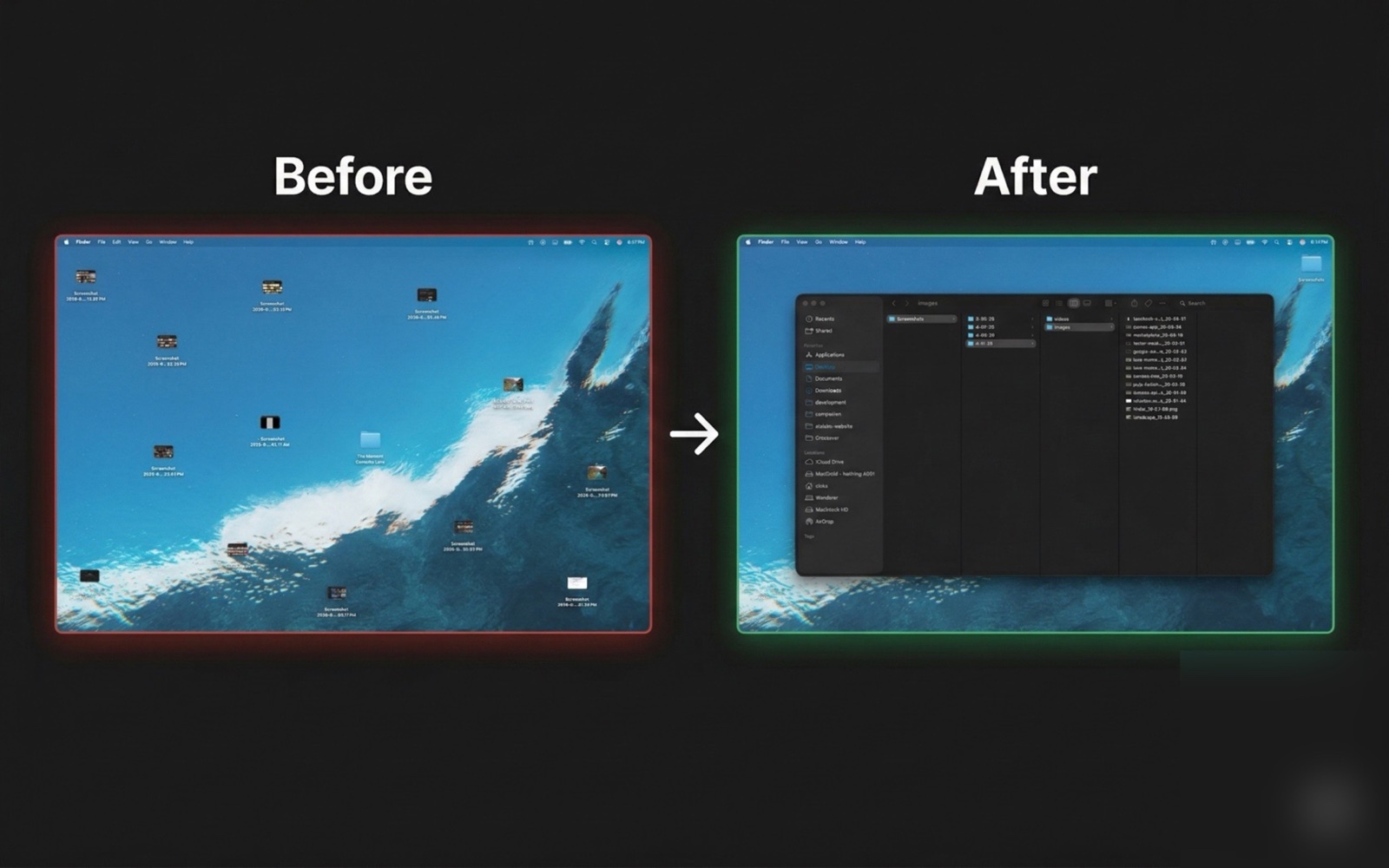
macOS saves every screenshot as "Screenshot 2026-04-07 at 1.19.49 PM.png". The filename tells you exactly nothing about what is in the image. For anyone who takes more than a handful of screenshots a day (designers grabbing UI states, developers documenting bugs, support staff filing tickets, researchers archiving sources), the Desktop and Downloads folders quickly become a wall of timestamped PNGs that no search query can reach.
Existing solutions either upload images to a cloud service to tag them, ask the user to type a name every single time, or live behind a heavy app window that is the opposite of how screenshots are actually taken. None of them feel native to macOS, and most of them break the most important contract a screenshot tool can make: that the image, which often contains private information, never leaves the device.
What We Built
- Install once, forget it's there: A small icon sits quietly in the menu bar. You take screenshots like you always have, and CaptureFlow handles the rest in the background
- Names that describe what's in the screenshot: Instead of "Screenshot 2026-04-07 at 1.19.49 PM", you get a clear, useful filename based on what's actually in the image. No typing required
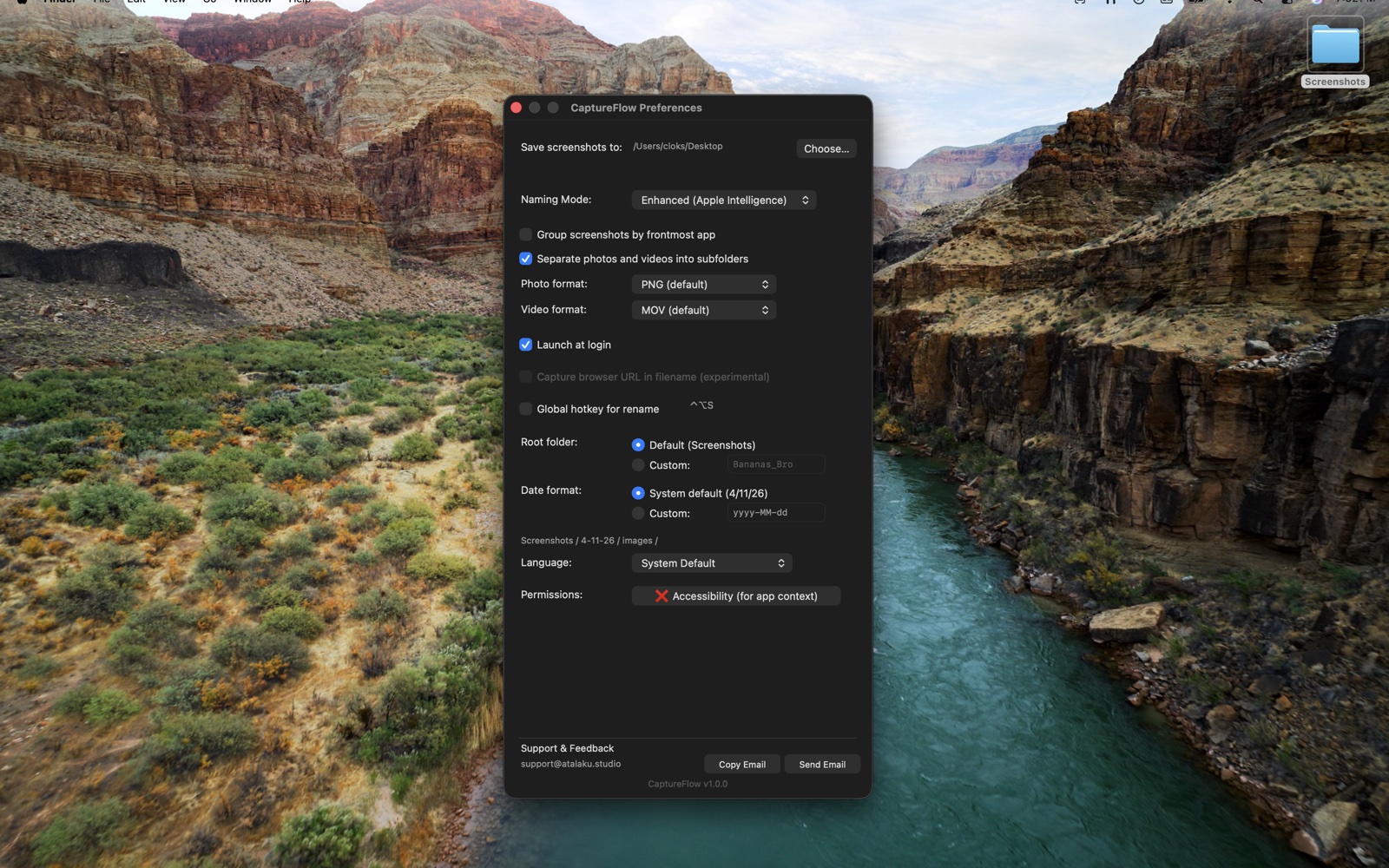
- Sorted by app and by date, automatically: A capture from Figma today goes into today's Figma folder. One from your browser yesterday goes into yesterday's browser folder. Your screenshots organize themselves
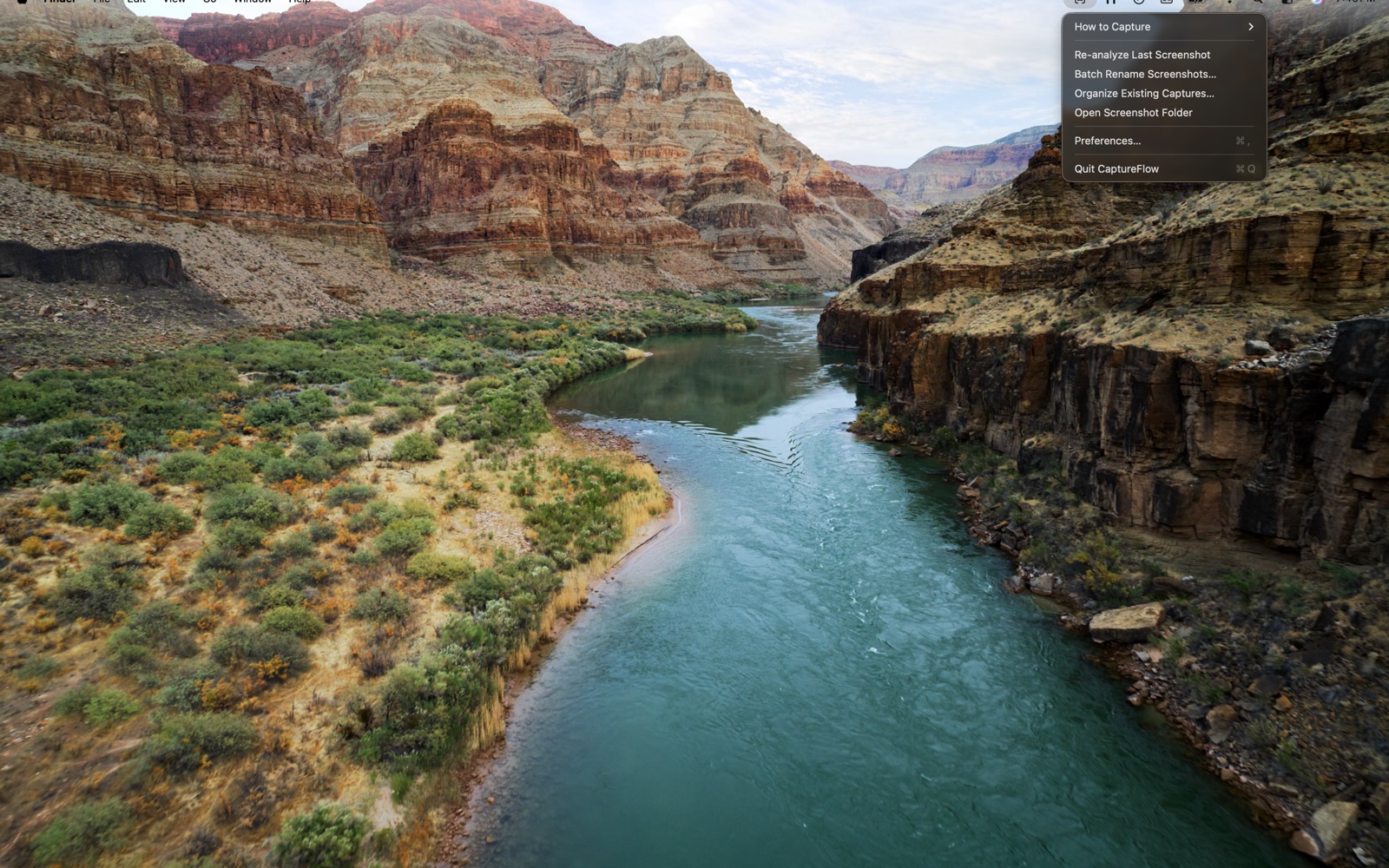
- Cleans up your existing mess: Got months of "Screenshot ..." files piled up on your Desktop? One click reorganizes the whole folder, with proper names. No need to fix them one by one
- Speaks 5 languages: Menus, folder names, and dates all follow your Mac's language. English, Spanish, French, Portuguese, and Swahili supported from day one
Going Beyond
- Smarter on newer Macs, works on older ones: CaptureFlow adapts to whichever Mac you have. On the latest models, it taps into Apple Intelligence for richer names. On older Macs, it still works perfectly. You always get the best result your Mac can produce, with nothing to configure
- Try again with one click: If the name CaptureFlow picks isn't quite right, ask it to take another look. Useful when a screenshot has multiple things going on
- Tidies your old screenshots on day one: The first time you launch the app, it offers to rename everything you've already taken. So you start with a clean folder, not a half-clean one
- Nothing leaves your Mac: No cloud, no tracking, no analytics. Your screenshots stay on your device, period
The Results
- Compatible with every Mac in active use today, from a 2018 Intel MacBook to the latest M4 with Apple Intelligence (macOS 13 and up)
- Power-user extras included at launch: a Terminal command for batch renaming and a silent background mode, for users who want them
- Key insight: Users barely touch the settings. Picking the smartest option automatically, instead of asking, removed a decision nobody wanted to make
Curious what this could look like for you?
Tell us about your idea or business, and we'll explore possible paths together.
Book a Call